These guides cover the public Azure DevOps Marketplace extension, its current permissions, personal storage, evidence boundaries, and supported environment.
Looking for QaCockpit Cloud documentation?01
Investigate failures in context
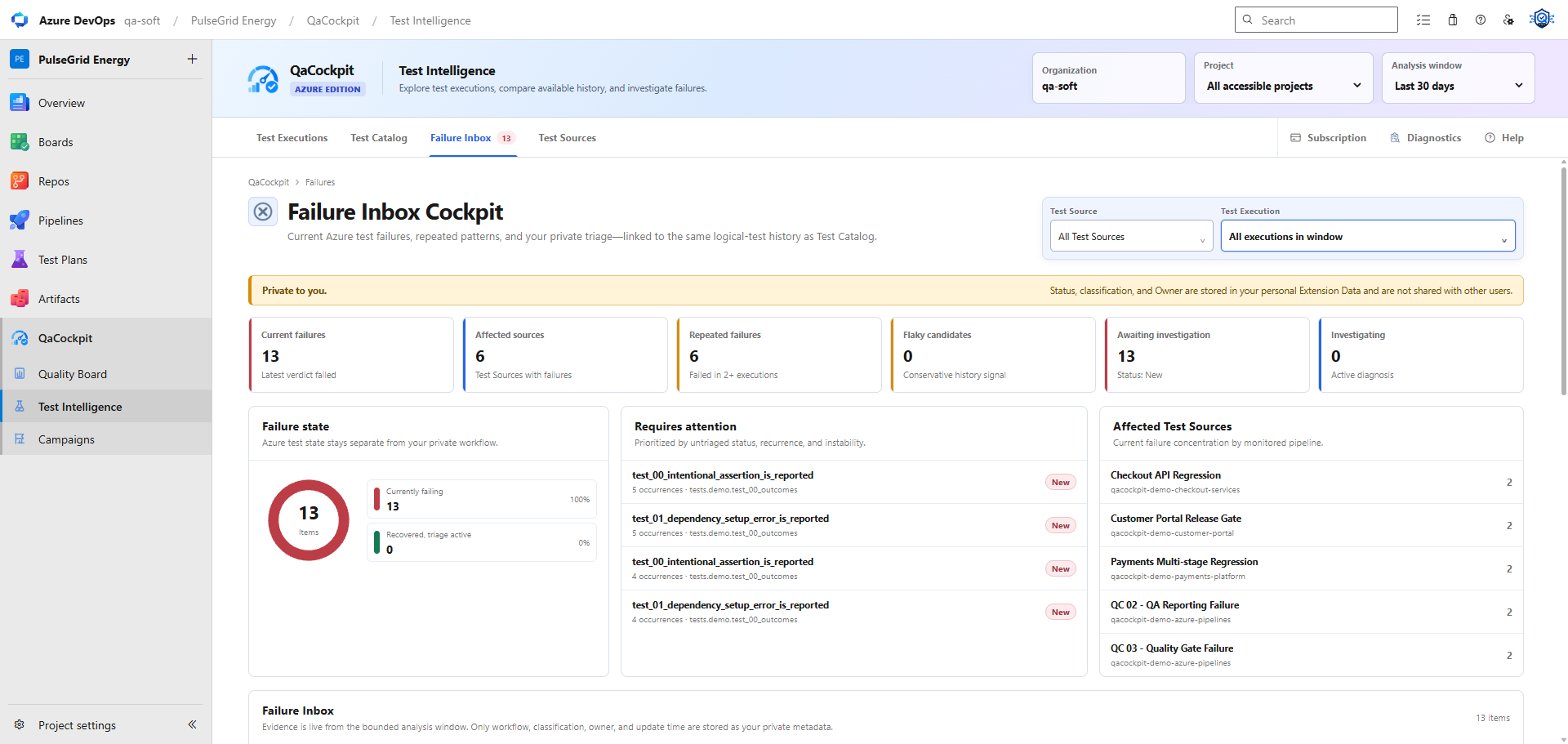
Open Test Intelligence, then Failure Inbox. Review the test, source and execution before treating repeated failures as the same defect. The extension groups evidence by logical test identity rather than merging unrelated tests by a shared error message.
Keep the test outcome separate from investigation Status, Classification and Owner. Changes to investigation details do not rewrite Azure results. They are stored in personal Extension Data, labelled Private to you, and are not shared with other users.
The inbox reads a bounded analysis window and does not provide a permanent archive of failure evidence. QaCockpit helps organize the available investigation context; it does not automatically decide the root cause or whether a release is ready.